
What viewers value
People use streaming differently: some follow live sports, some want multilingual news, and others watch movies on demand. The stories below show those different everyday routines.
Make your own assessment
A smooth experience depends on a compatible player, a reliable connection, and the content you prefer. Check the current catalog and ask setup questions before committing to a longer plan.
Read reviews with your own needs in mind
A viewer who watches live sports on Fire TV may care about different details from someone who watches on-demand movies on a tablet. As you read the stories, pay attention to the device, app, and type of content mentioned. Those details are more useful than a rating alone. The pictures alongside the cards show viewing setups rather than profile portraits, so the focus stays on the screen experience. Ask support about a specific device or channel if it is central to your decision. What works smoothly on one network or player may require a different setup in another home.
How to assess setup claims
A short report that installation was easy can be encouraging, but it does not mean every television has the same steps. App stores differ, software updates change menus, and some set-top boxes require portal information rather than an M3U link. Our installation guide sets out the common options and explains which credentials belong in which fields. Before ordering, check that a compatible player is available for your device. If you already use an IPTV app, tell support its name and version. That helps establish whether the activation details can be entered directly or whether another app would be easier.
Judge quality on your connection
A review about smooth sports playback reflects one person's device, network, and viewing conditions. Your own Wi-Fi strength, shared household traffic, and display settings can change the result. For HD, allow sufficient bandwidth, and for 4K, test at the screen where you intend to watch. An Ethernet cable can remove one common cause of interruptions. If picture quality is a priority, ask support about current source options for the channels you follow. The troubleshooting guide also explains the basic checks to make if buffering begins after installation.
Look beyond a single rating
Reviews can highlight useful patterns, such as whether people find the guide easy to browse or receive clear setup help. They cannot guarantee a particular channel, title, or app will be available on the day you subscribe. Use them together with the current pricing details, device guide, and a conversation about any must-have content. Compare the subscription duration and connection limit as carefully as the entertainment catalog. A plan that fits your household's actual viewing schedule is more valuable than choosing a longer term solely because it has the lowest daily equivalent.
Share constructive feedback
If you become a customer, a useful review describes what you used, what worked well, and what could be improved. Mention the device or player when setup is part of the story. Do not include account credentials, payment details, or a complete playlist link. If you are reporting a live service issue, contacting support first gives the team a chance to investigate with the time, channel, and error information. Specific, fair feedback helps other visitors decide whether the service suits their needs and gives the team a better signal about where to improve.
What our customers say About VUNOTV
Thousands of customers across the United States and worldwide use our IPTV service for live sports, movies, and international channels. Rated 4.9 out of 5 based on 243 reviews for quality, stability, and easy installation.
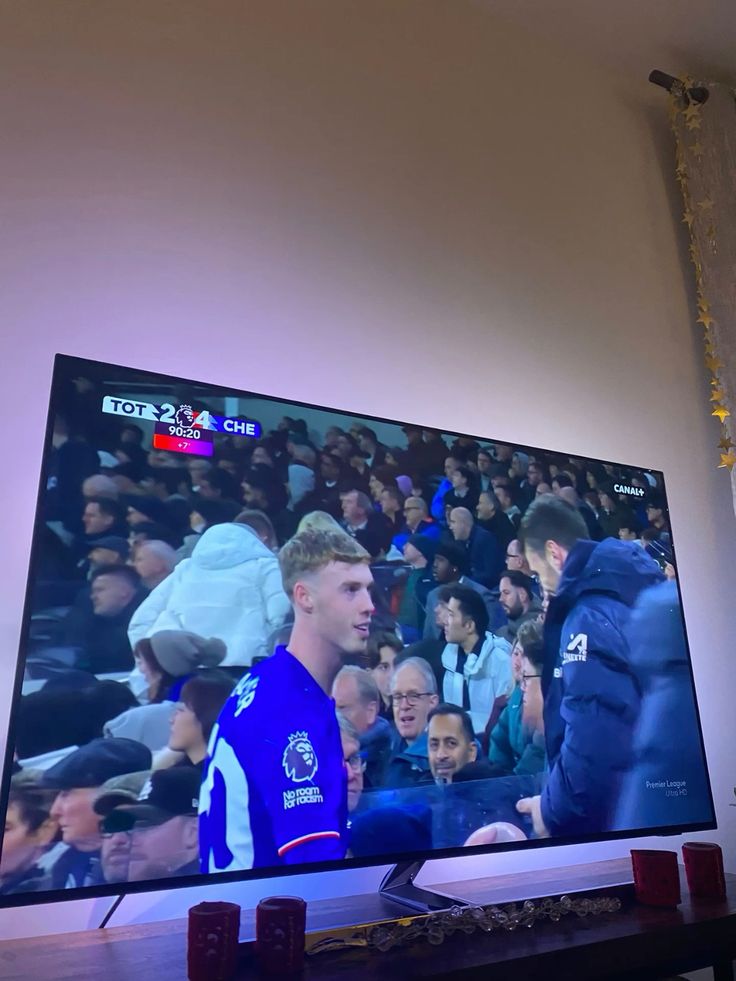
“The sports menu is easy to browse, and the Fire TV setup took me only a few minutes.”
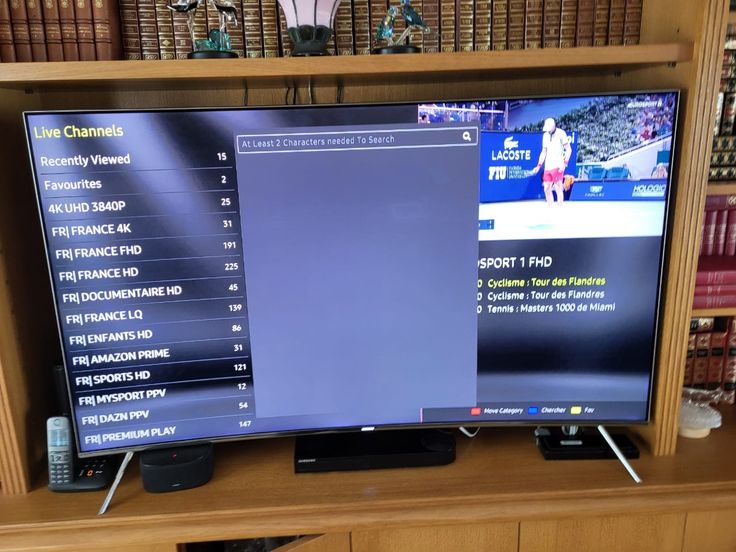
“I like having movies and international channels together on the living room TV.”
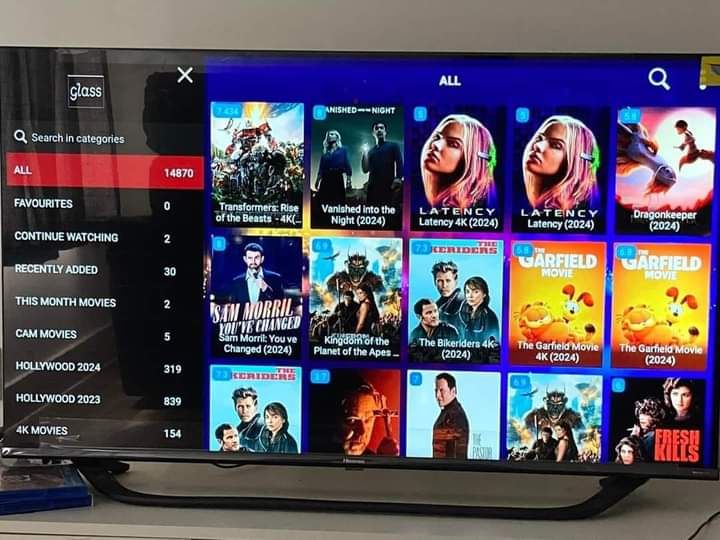
“The guide makes it simple to jump between matches and the channels I watch most.”
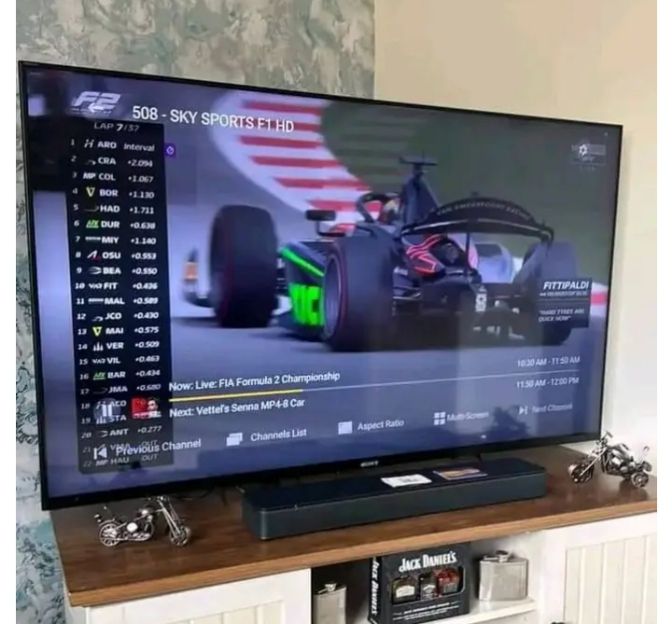
“Setup on my Smart TV was straightforward, and support explained which player to use.”
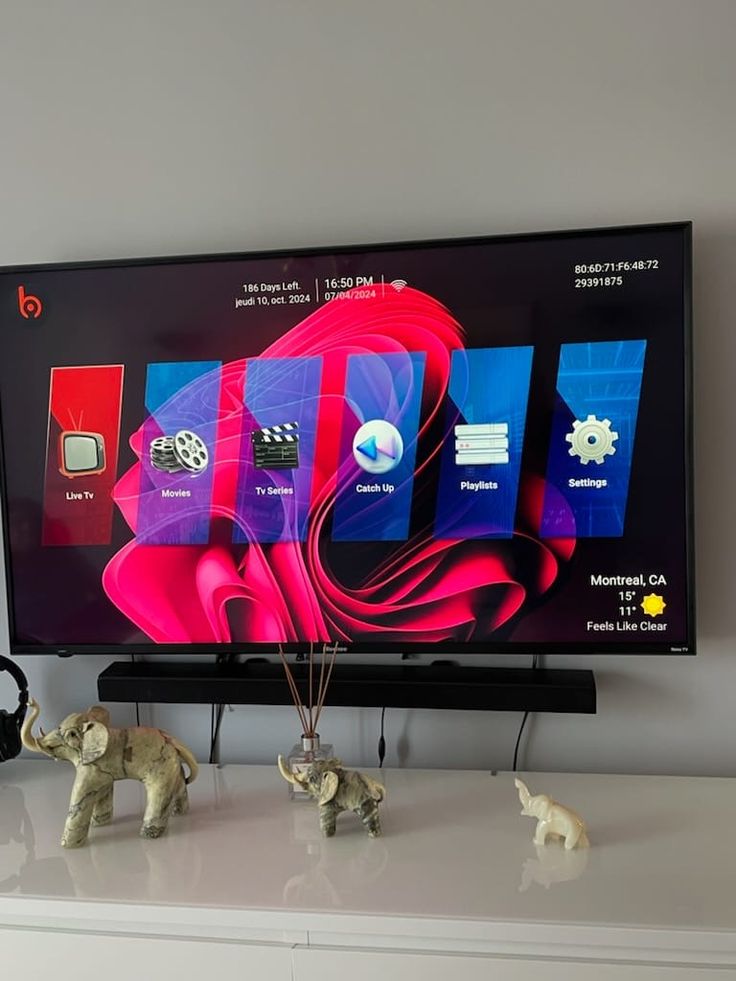
“The language selection is useful for our family and the app is easy to navigate.”
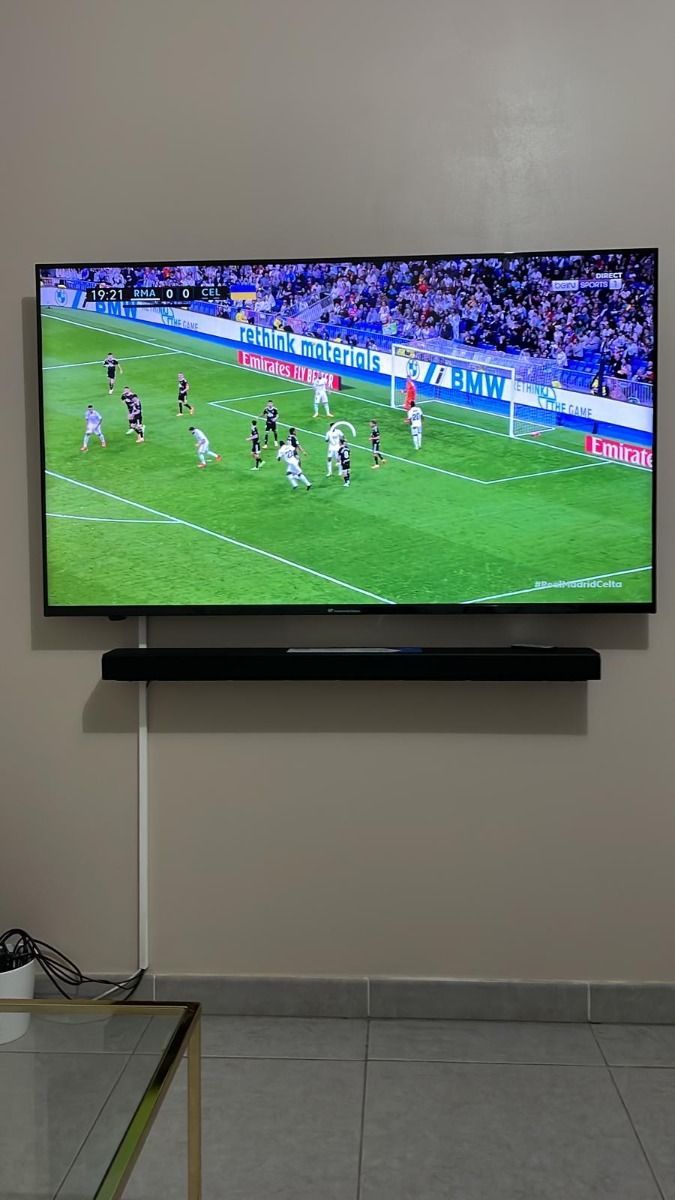
“I use the on-demand library on my tablet when the TV is occupied.”
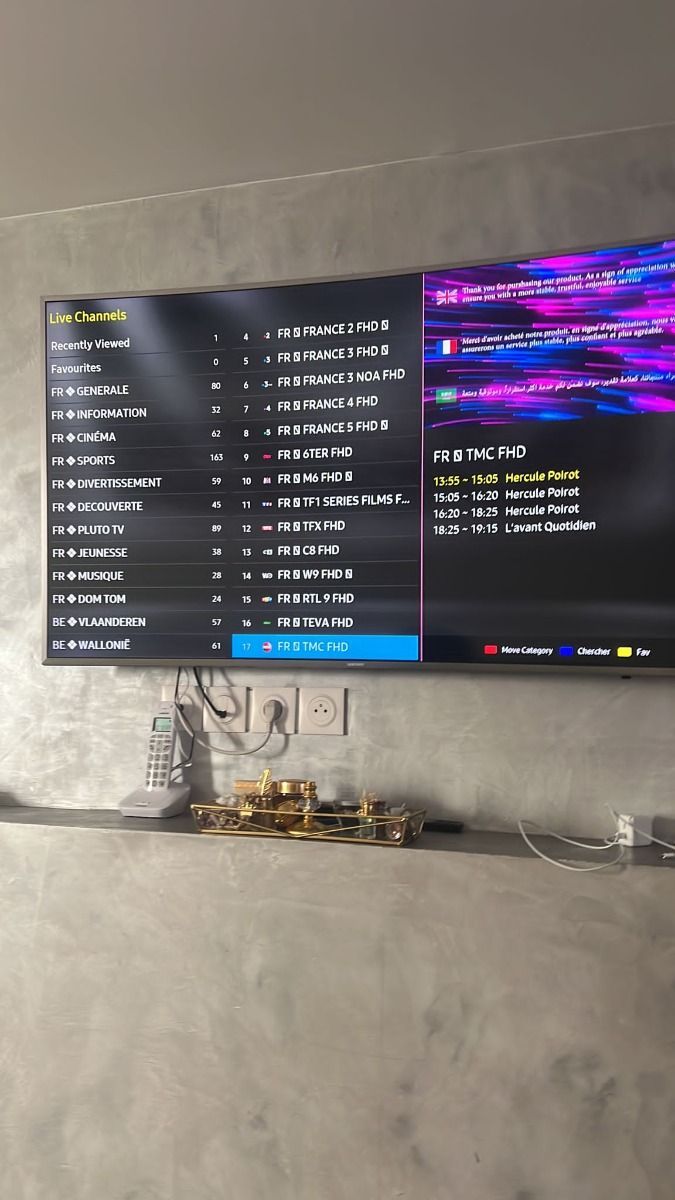
“I could follow the installation guide and get the stream working on my Fire Stick.”